A house full of gadgets is not a smart home.
We design lighting, shades, music, theater and Wi-Fi as one system, so a single touch runs the whole house. Try it on this one.
5.0 Google rating- Lutron
- Control4
- Josh.ai
- Sonos
- Kaleidescape
- Sony
The same room, before and after.
Drag the handle. Everything on the left still happens on the right. It just runs from one keypad and one app.
Five apps, five systems
Thermostat here, speakers there, lights somewhere else. We put all of it behind one keypad, one app and one voice.
Walls full of switches
A bank of six dimmers becomes one engraved keypad. Clean walls, and every button does what its label says.
Wi-Fi that quits upstairs
A store-bought router was never meant for a large home. We engineer coverage for every floor, the patio and the guest house.
Nobody to call
When something acts up, you call us. Most issues are fixed remotely before you notice them.
What we design, install and look after.
Start with the room that bothers you most, or plan the whole house. Every piece is chosen to join the same system later.
Home Automation & Control
Lighting, climate, shades, music and video in one system. Arrive, Entertain and Goodnight each take a single press.
ExploreLighting Control
Layered, warm, adaptive light. Scenes for morning, dinner and late evening, with panelized dimming for larger homes.
ExploreMotorized Shades
Quiet shades that follow the Texas sun: open at sunrise, lower against afternoon glare and heat, close for privacy at night.
ExploreDim the kitchen and play some jazz.
Voice Control
Natural-language control with no phrases to memorize. One sentence can set the lights, shades and music together.
ExploreWi-Fi & Home Networking
The foundation under everything else. Wired where it counts, with access points placed by design, not by guesswork.
ExploreWhole-Home Audio
One playlist through the whole house, or different music in each room. In-ceiling speakers keep the sound and hide the hardware.
ExploreHome Theater & Media Rooms
Screen, sound, seating, acoustics and lighting designed around the room, from a dedicated cinema to a family media room.
ExploreOutdoor Audio & TV
Weather-rated screens and even, landscape-level sound for the patio, pool and outdoor kitchen.
ExploreRemote Service Plans
We watch the network and the control system, apply updates and fix most problems remotely. Existing systems installed by others are welcome.
ExploreMost of it happens without you touching anything.
The keypad is for the moments you want something different. The rest of the day runs on the sun, the clock and who is home.
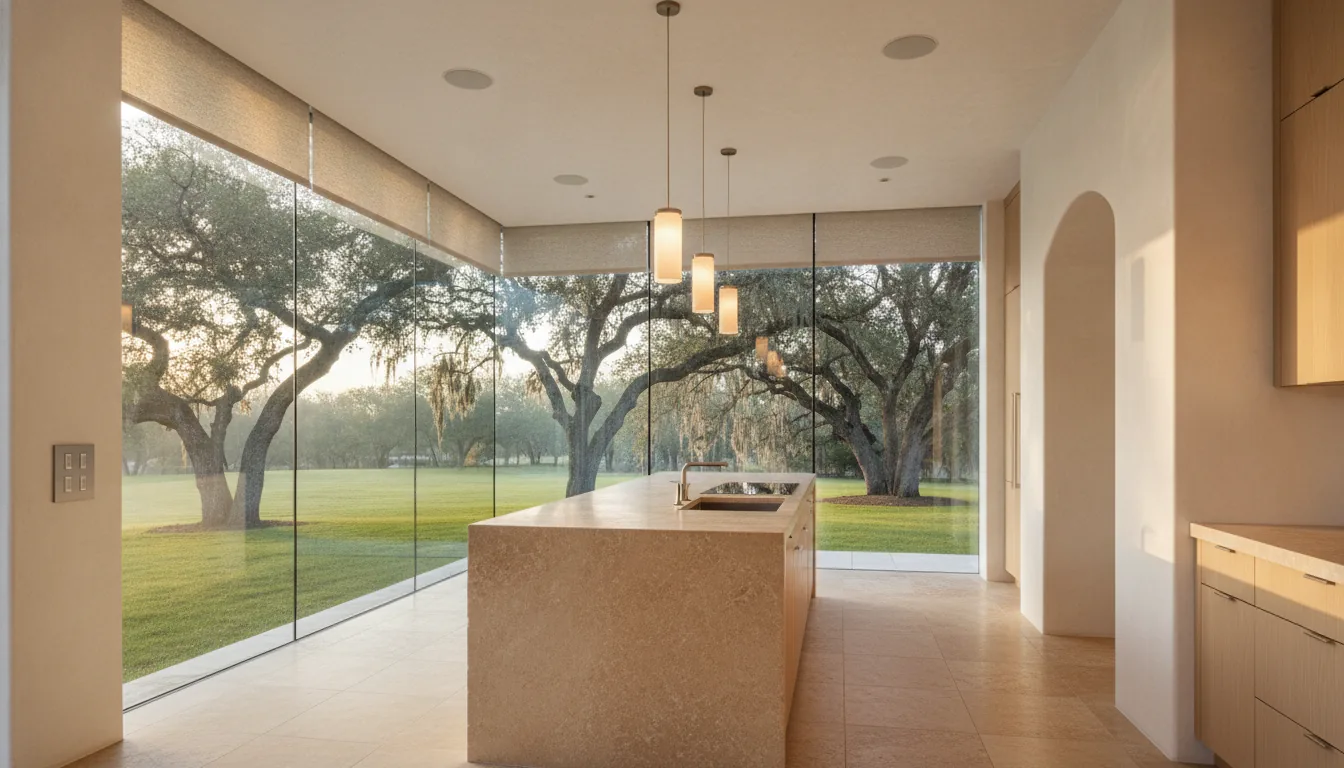
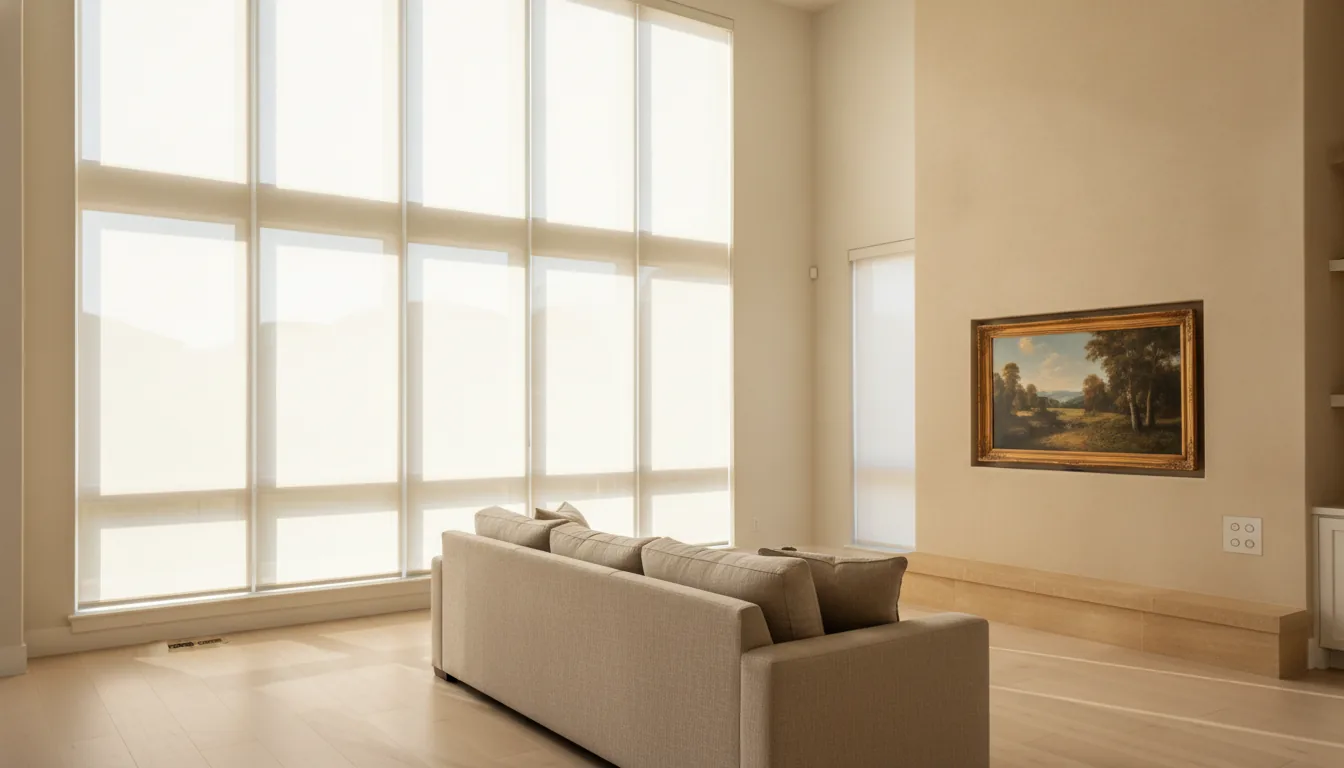
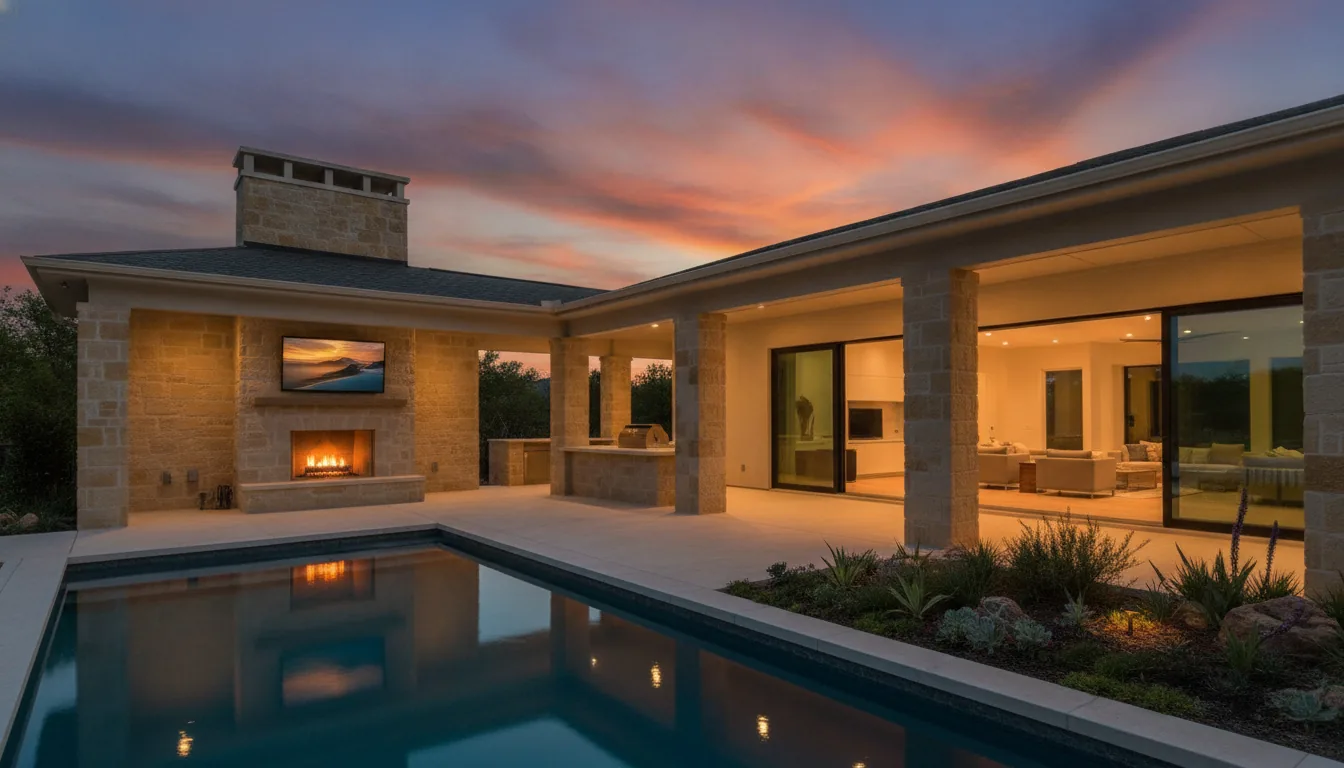
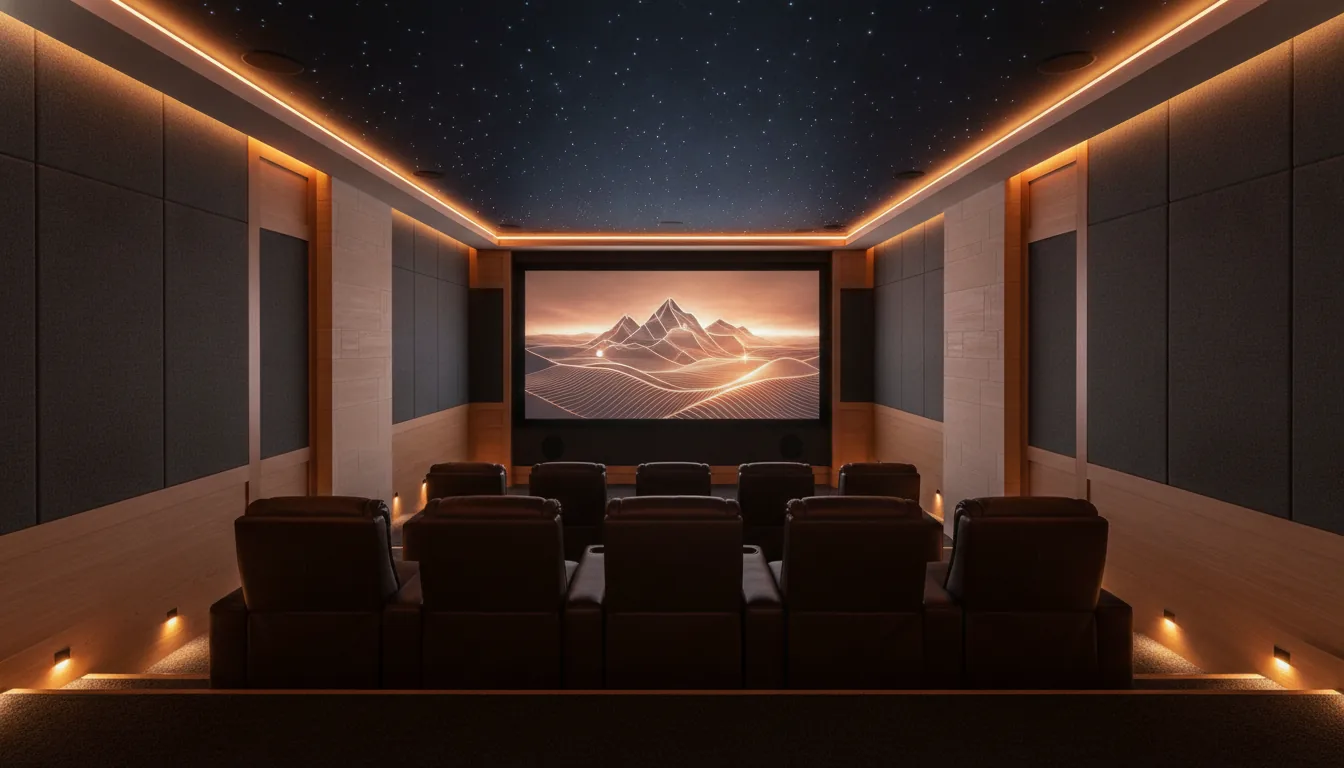
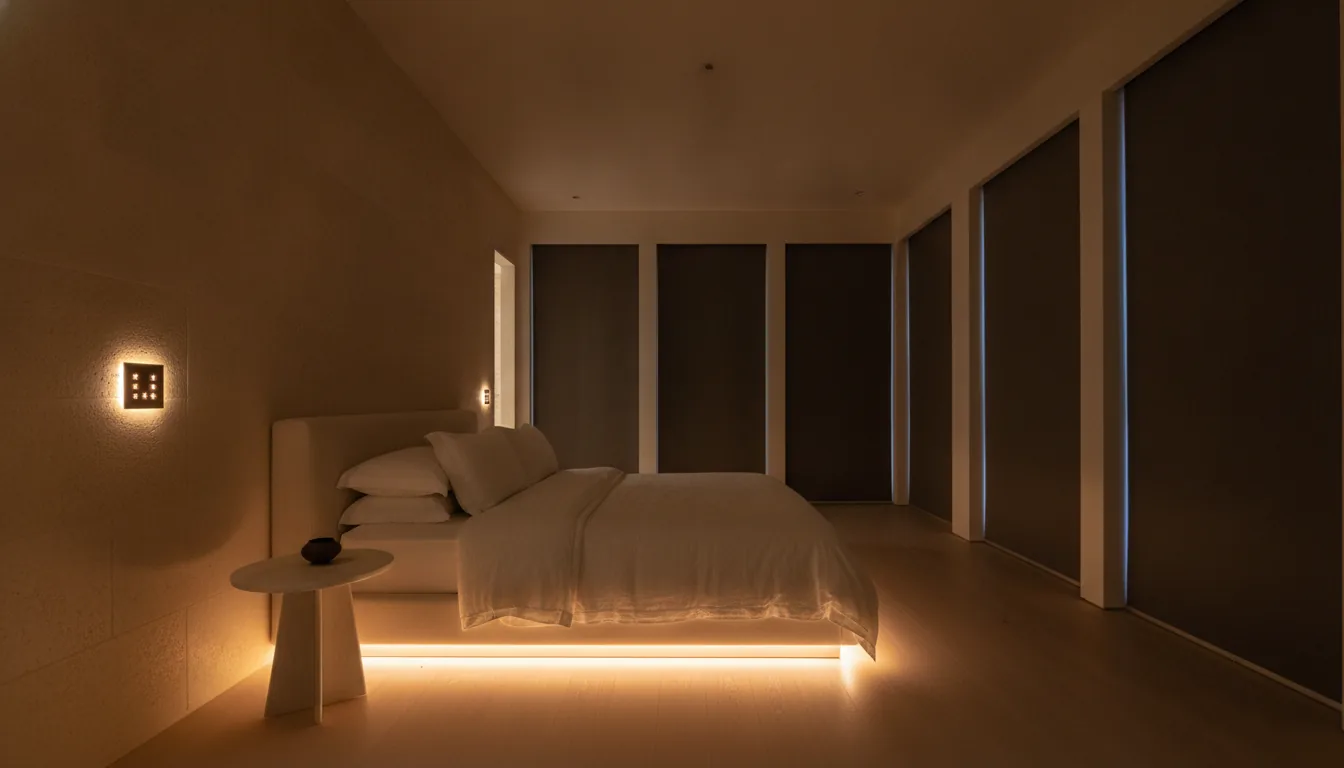 Concept rendering, not a client project
Building new, or already home?
Both work. The difference is how much wire we can place before the walls close, so the best time to call is earlier than you think.
Bring us in before drywall.
The best smart homes are built into the plan from the beginning. Wire goes in once, shades recess into pockets and equipment disappears into one closet.
- Network cable to every TV, access point and office
- Low-voltage wiring for keypads and touchscreens
- Speaker wire for every room, plus the patio
- Power and pockets for motorized shades
- A ventilated equipment location, sized for the future
Upgrade without opening every wall.
Most homes can be upgraded with wireless lighting and shades plus a few well-chosen wire runs. You can live at home while we work.
- Wireless lighting control that does not depend on your Wi-Fi
- Battery or low-voltage shades, sized to your windows
- Phased projects: start with lighting and audio, add later
- Takeovers and repairs of systems someone else installed
- Honest trade-offs explained before any work starts
Take this to your builder before the drywall goes up.
A room-by-room list of the wire, power and blocking a smart home needs. It costs very little during framing and a great deal afterward.
Or open the checklist now and print it.
Drawn, priced and agreed before anything goes in the wall.
Every project follows the same five steps. You see the design, the keypad layouts and the price before any work starts.
Walk-through
We learn how you live, entertain and use each room, at your home or over your plans.
Design
A written proposal with a room-by-room scope, keypad layouts and a fixed price.
Prewire
Cable, shade pockets and equipment locations go in alongside your builder's schedule.
Install and program
Equipment, scenes and schedules are set up, tested and tuned to how you use the house.
Handover and support
We walk you through every button, then stay on call with remote monitoring.
Technology that respects the drawing set.
We work from your plans and your schedule. You get documentation your trades can build from, and a client who is not asking you how to turn on the TV.
Partner with usFive stars on Google.
We would rather you read what clients wrote than what we wrote.
A real Google review goes here, word for word, once it is posted.
Client name · NeighborhoodA real Google review goes here, word for word, once it is posted.
Client name · NeighborhoodA real Google review goes here, word for word, once it is posted.
Client name · NeighborhoodWhat people ask on the first call.
If yours is not here, ask it. Start a conversation
Can you add this to a house that is already built?
Yes. Wireless lighting control and motorized shades were designed for finished homes, and they do not rely on your Wi-Fi to work. Music and networking usually need a few wire runs, which we plan so that patching stays small.
We are building. When should we call?
Before the electrical walk-through, and ideally while the plans are still being drawn. Wire, shade pockets and keypad locations cost very little on paper and a great deal after drywall.
What happens when the internet goes out?
The lights, shades and keypads keep working, because the system runs on equipment inside the house. You lose streaming and control from your phone away from home until the connection comes back.
Do we have to do the whole house at once?
No. Plan it as one system, then install it in phases. Starting with lighting and music in the rooms you use most is common, and adding shades or a theater later does not mean redoing the first phase.
Will guests and grandparents be able to use it?
If a guest cannot turn on a light without instructions, the design has failed. Keypads are engraved in plain words, and nobody needs an app to use the house.
Can you take over a system someone else installed?
Usually. We start by assessing what you have, keep what is sound and replace only what is holding the rest back.
What does it cost?
It depends on the size of the house and how many systems you want in it. One room of lighting and sound is a very different project from a whole new build. Tell us about the house and you will get a realistic range before you commit to anything.
Across Dallas–Fort Worth.
- Dallas
- Highland Park
- University Park
- Preston Hollow
- Lakewood
- Plano
- Frisco
- Prosper
- McKinney
- Southlake
- Westlake
- Colleyville
- Flower Mound
- Fort Worth
See what your home could do, and what it would cost.
Tell us what bothers you about the house today. You get a clear scope and a price range back. If you are building, send the plans and we will mark them up before we meet.
Dallas, TX 752[##]
Monday to Friday, 8 to 5. Service clients: 7 days.